Curriculum Analyst
Extracts grade band, standard, misconception, assessment moment, and the subject-specific thinking mode.
ComicLearn now treats each comic page as the master source for start frames, end frames, shot clips, voiceover, subtitles, and social cuts. API wiring comes later; the production logic starts here.
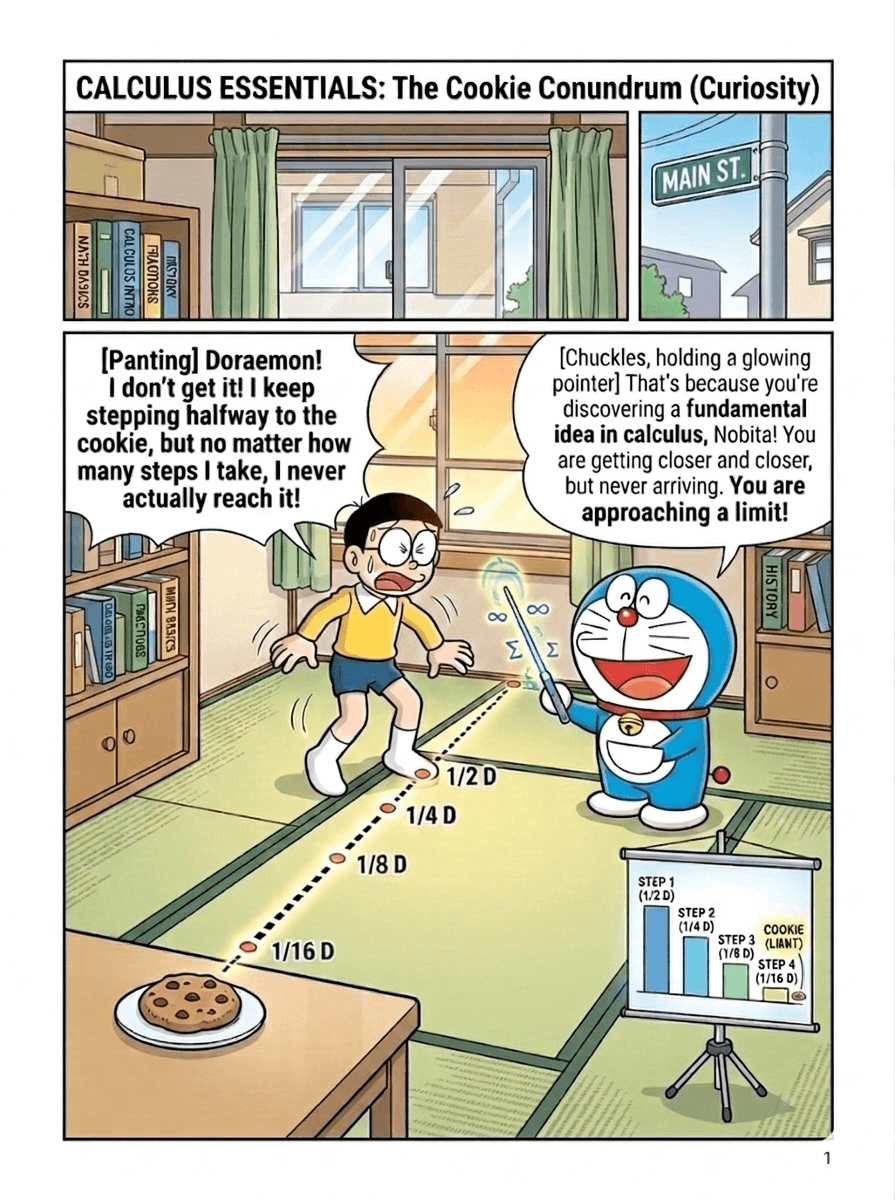
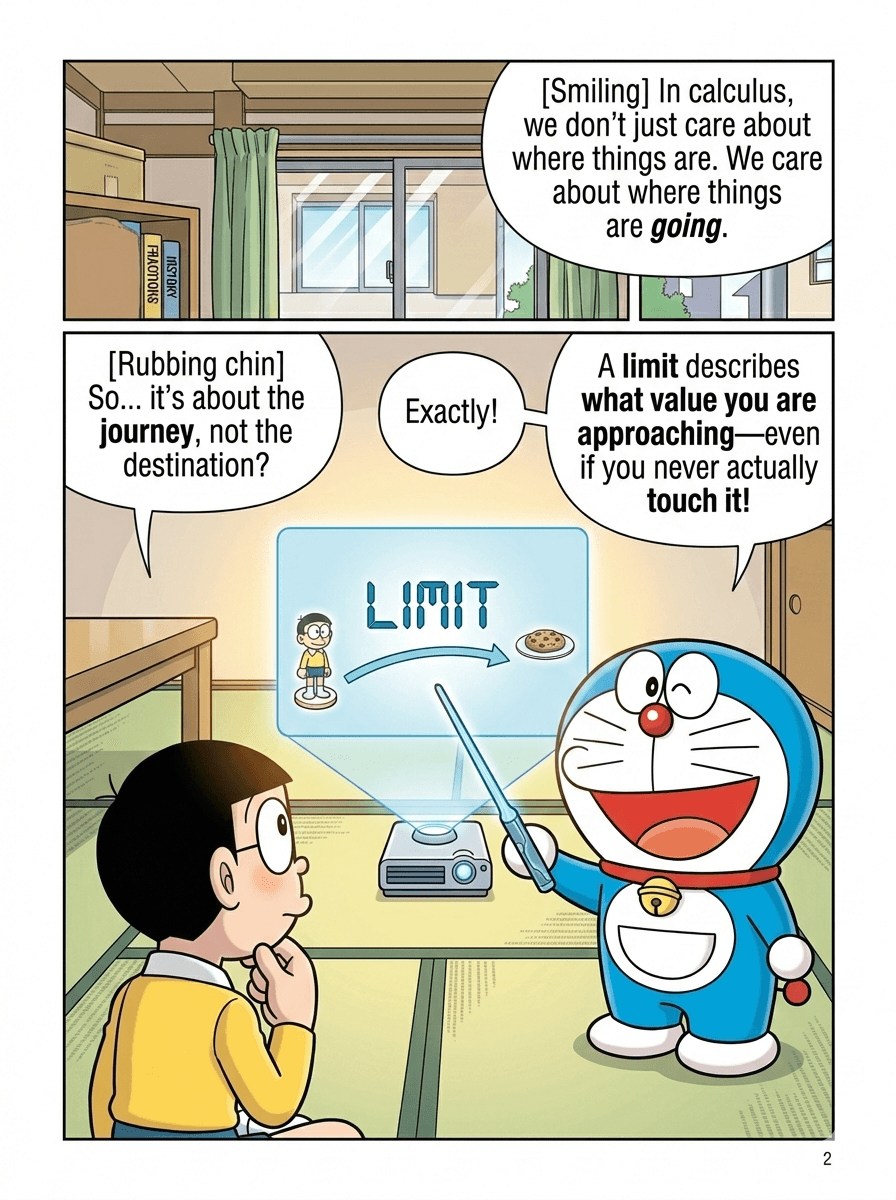
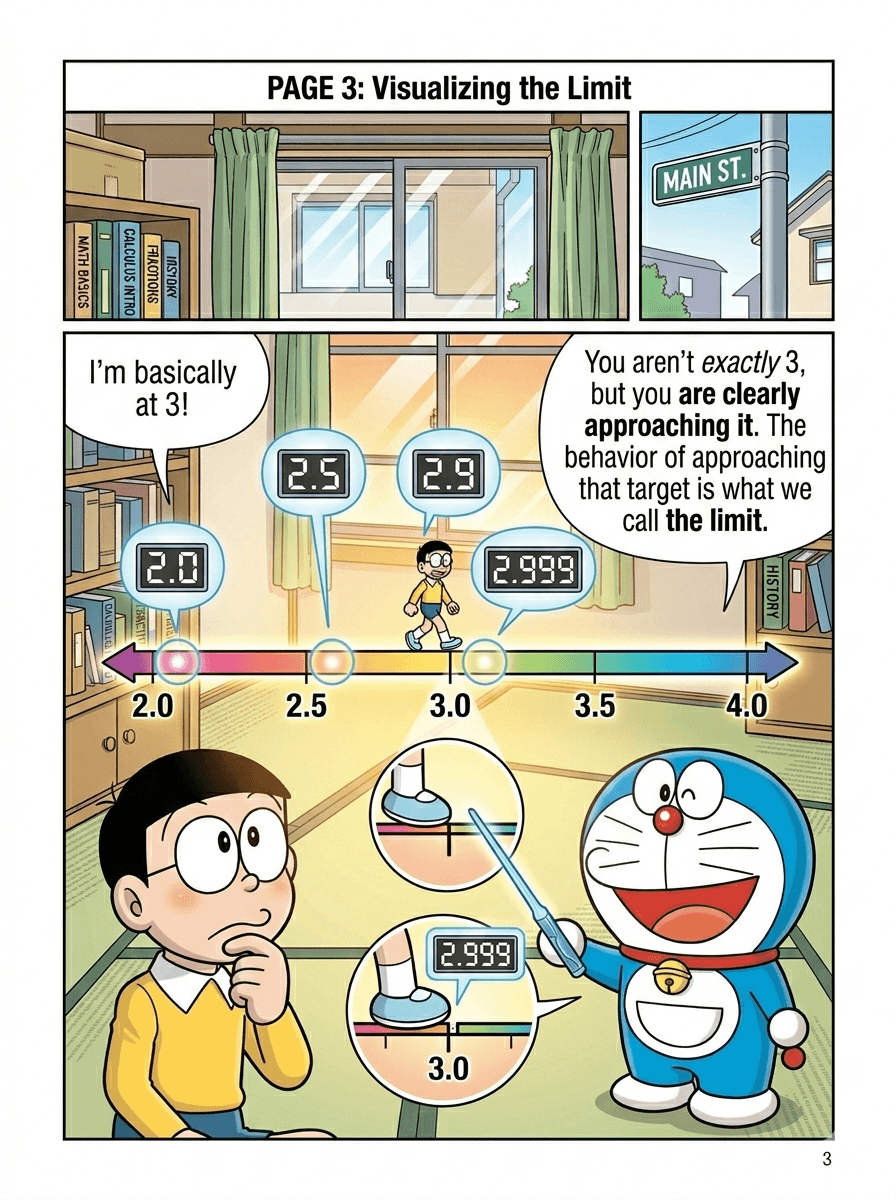
Director pack
Motion prompt
Camera moves from the broken bridge to the beam pile as the ratio diagram fades in: 30m / 6 beams = 5m each.
Pipeline
The workflow copies Moyin Creator's core production idea: structured knowledge first, reusable assets second, video prompts last.
standards, objective, misconception
story beat + learning beat
camera, voiceover, subtitle
start frame + end frame
shot clips + social cuts
AI roles
A single prompt should not be responsible for curriculum accuracy, story, image consistency, camera design, subtitles, and video motion. The workflow separates those decisions.
Extracts grade band, standard, misconception, assessment moment, and the subject-specific thinking mode.
Turns a learning objective into a Last Meridian Academy mission without mixing subjects.
Builds comic pages where every panel carries both a narrative beat and a learning beat.
Converts high-potential panels into camera language, start/end frames, motion prompts, and voiceover.
Keeps teacher narration, dialogue, captions, and sound cues short enough for mobile learning.
Combines multiple shots into a coherent hook, concept reveal, application, and exit question.
Five-stage calibration
Name the learning function before designing the shot.
Describe what students see, hear, and read on screen.
Guide attention with diagrams, focus, pacing, and cognitive load.
Generate a consistent first image from the comic panel and asset library.
Define movement, camera behavior, final pose, and video prompt.
Outputs
The same comic episode can become a classroom hook, an app micro-lesson, a teacher preview, or a complete narrated comic video.
QA gate
The goal is not animated noise. A clip passes only when the learning objective, story action, visual consistency, and assessment moment survive the move from page to motion.